 Kibble
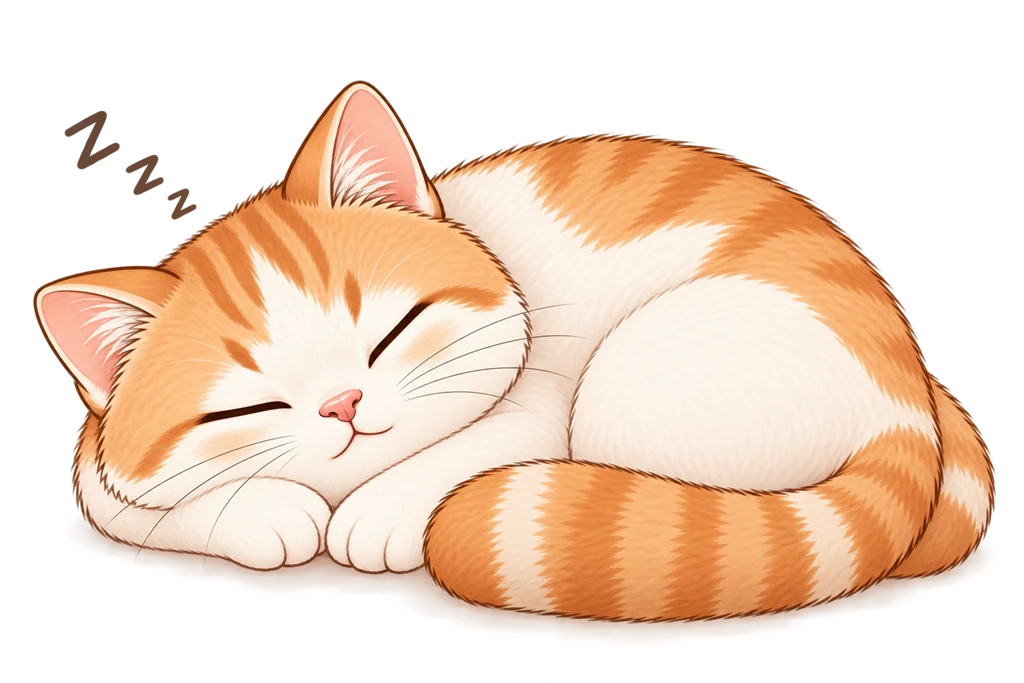 01 · The night before
Set the alarm, pick a mission
Choose what tomorrow's you will have to do: walk, shake, or type. Miso goes to sleep. So do you.
Android first · in development
Kibble won't let you silence it from bed. When it rings, the cat is hungry, and he doesn't get fed until you've done something that requires standing up.

The problem
The default alarm is defeated by a half-asleep thumb. People who genuinely struggle to get up are not helped by a louder sound. They're helped by making dismissal physically impossible from a horizontal position.
You've tried putting the phone across the room. It was back on the nightstand within a week.
How it works
01 · The night before
Choose what tomorrow's you will have to do: walk, shake, or type. Miso goes to sleep. So do you.
02 · 6am
The alarm rings through silent mode and Do Not Disturb. There's no snooze button waiting for your thumb. The screen shows the cat, the mission, and nothing else.
 03 · Out of bed
Complete the mission and the sound stops instantly. Miso eats. Your streak goes up by one. That's the whole loop.
Missions
Every mission has an emergency exit that takes ten seconds and costs your streak. Costly, not impossible, because you should always be able to stop the sound in a real emergency.
Walk 20, 30 or 100 steps. Counted from the accelerometer the instant your foot lands, and it checks the pace, so waving the phone won't pass for long.
15, 30 or 60 shakes. The gentlest option, and the one to start with if you're not sure you'll stick with any of this.
Type a short phrase to prove you're reading it. Works from anywhere, and it's the option that doesn't assume you can walk.
Register the barcode on the coffee jar in your kitchen. Then the only way to stop the alarm is to go and scan it. The one you can't beat from bed.
Why a cat
The forced-dismissal alarm isn't new. What's new is how it feels. Other apps in this category treat you as a problem to be solved. They shout, they shame, and the moment you've had one good week you delete them without a thought.
Miso can be sleepy, sulky, or disappointed. He is never guilt-tripping, never manipulative about money, and never sick or dying. The emotional range is capped at "a bit let down" on purpose.
The ring screen shows the cat, the mission, and nothing else. No news, no weather, no upsell at six in the morning.
Reliability
Most alarm apps in this category have review sections full of "worked for a week, then stopped". That's almost always Android's battery saver quietly killing the app overnight. Kibble is built around that problem first and decorated second.
Said plainly: Kibble is an alarm clock, not a guaranteed wake-up service. Keep a backup alarm for anything that really matters: a flight, an exam, a shift.
Price
Everything that gets you out of bed costs nothing and always will. A paid tier is planned for later, for people who want more cat.
There is nothing to buy, and nothing is held back.
Free
For when one cat isn't enough.
Not yet
No price yet, and none quoted here when there is one. Prices are set per country by the store, and a number typed onto this page would be wrong almost everywhere.
No ads. At any tier. Ever.
Not out yet
Kibble is being built now, Android before iOS, and it isn't on the Play Store yet. Leave an email and you'll get exactly one message on the day it is.